

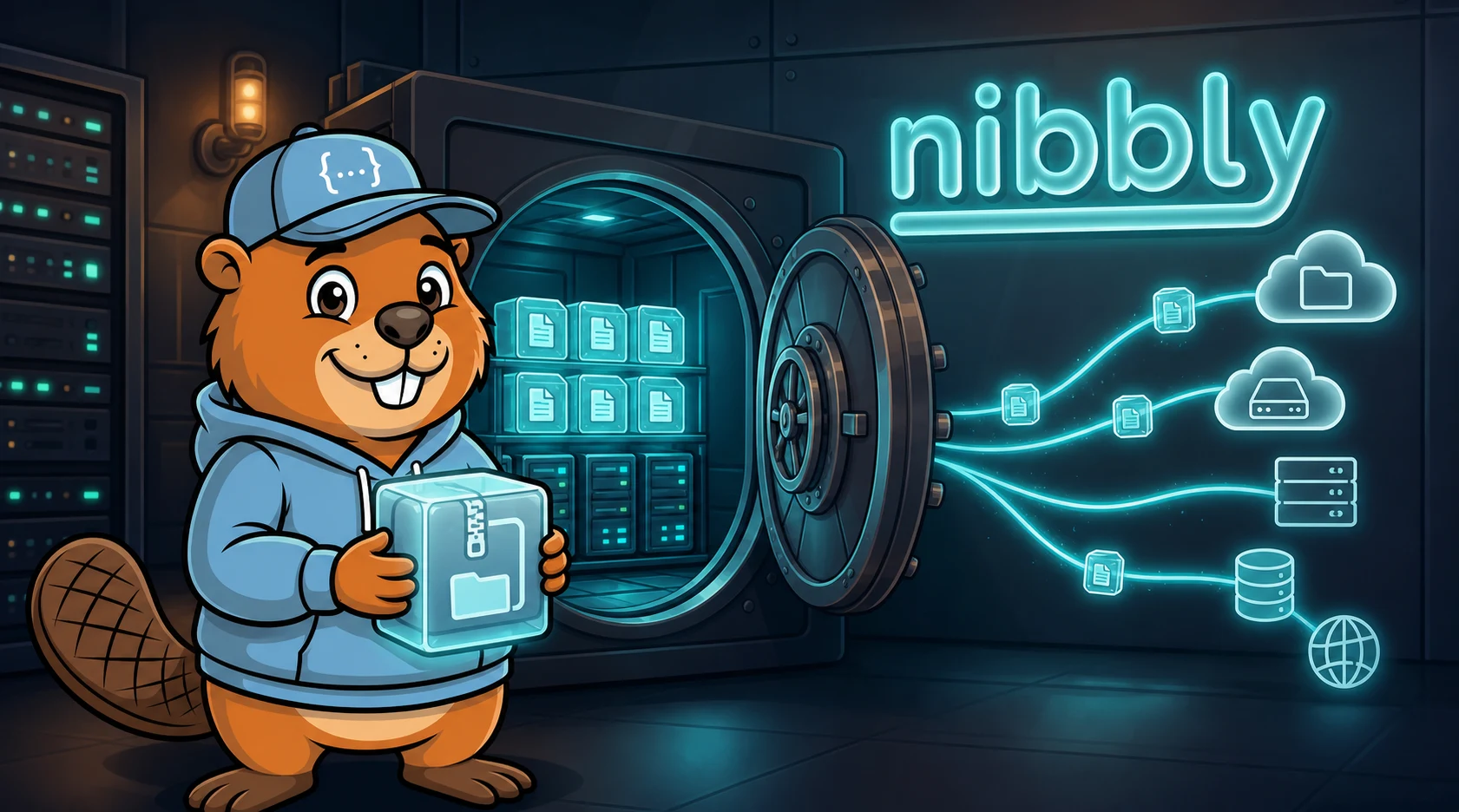
Scheduled and Remote Backups for nibbly
Backups are one of those features you only think about when something has already gone wrong. nibbly now treats them as part of the regular publishing workflow: local snapshots for quick recovery, scheduled ZIP archives for disaster recovery, and optional off-server copies for real peace of mind.
From Page History to Full-Site Snapshots
nibbly already kept per-page JSON history whenever content was saved. That remains the fastest way to roll back a single accidental edit. The new backup layer goes further: the dashboard can create a complete site ZIP containing content, templates, assets, configuration, and core files.
Manual ZIP backups are marked as protected snapshots. They stay in the backup pool until an admin deletes them, which makes them useful before risky edits, migrations, or client handover work.
Cron-Driven Scheduled Backups
For routine protection, nibbly now includes a cron-friendly runner:
php cli/backup.php --action=runThe dashboard shows the exact cron line for the current installation path. A typical setup runs once per night and writes progress to backups/backup.log.
Retention follows a practical grandfather-father-son model: daily, weekly, monthly, and yearly backup tiers. A storage limit can also be set, so older non-manual backups are pruned before the server fills up.
Remote Targets
A backup that only exists on the same server is useful, but not enough. Scheduled ZIPs can now be uploaded to external storage after local creation. The first supported targets are:
- Dropbox
- Google Drive
- Microsoft OneDrive
- SFTP / SCP
- S3-compatible storage
- WebDAV
Dropbox, Google Drive, and OneDrive include browser-based connection flows from the dashboard. After the admin connects an account, nibbly stores a refresh token and cron jobs can keep uploading future backups automatically.
Designed for Flat-File Sites
The implementation stays true to nibbly's flat-file model. Backups are ZIP files, settings live in JSON, and the CLI runner works without a database or queue worker. Remote upload failures are reported, but the local backup is kept. Secrets are masked in the dashboard and removed from the archived copy of content/settings.json.
The result is a backup workflow that feels familiar if you have used WordPress backup plugins or hosting panels, but remains small enough for simple PHP hosting.